
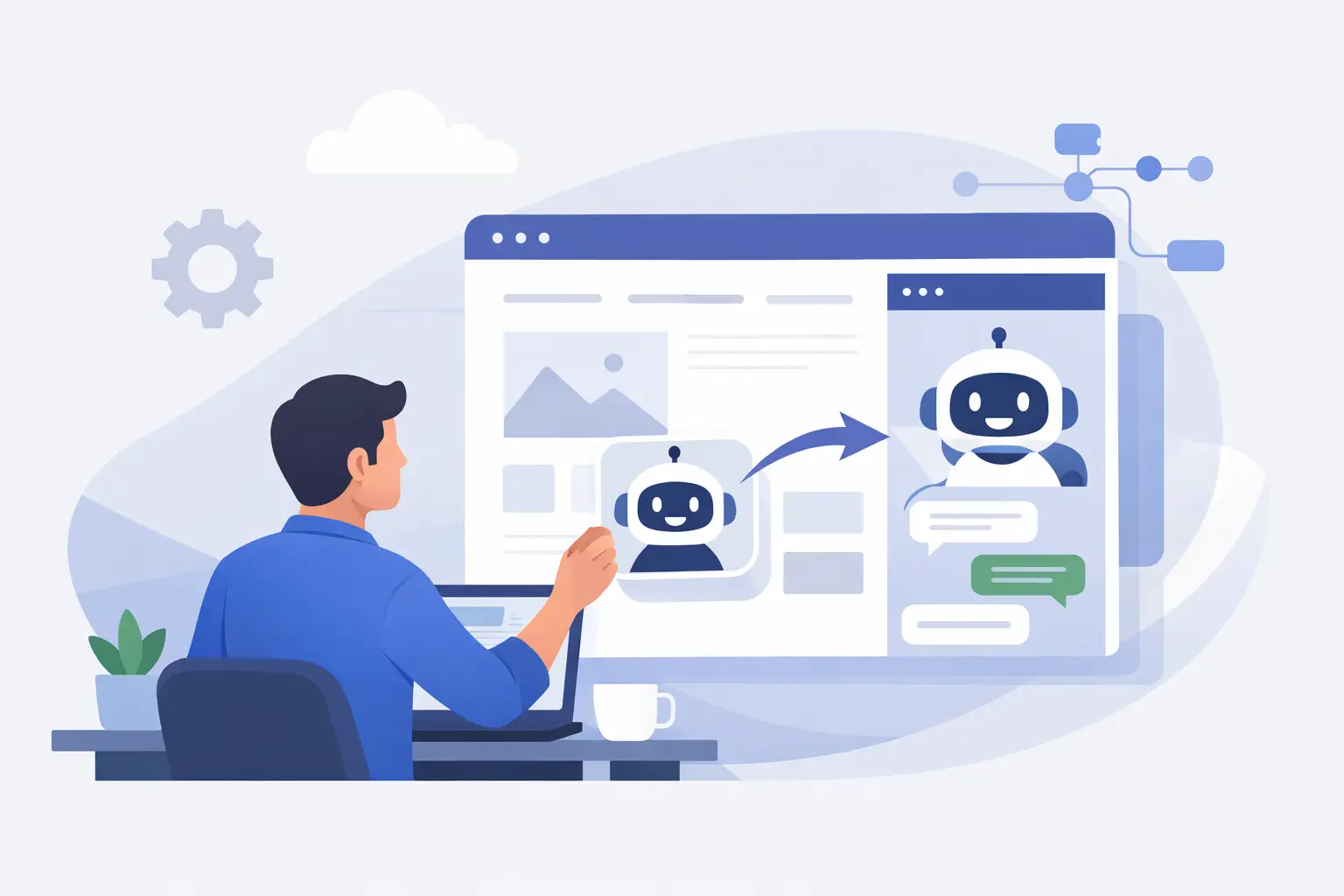
A chatbot placed in the corner of a website is easy to launch. A chatbot that gives accurate answers, captures qualified leads, and respects your business processes takes more planning. If you are deciding how to add ai chatbot to website, start with the customer problem you want it to solve, not the platform you want to install.
For a growing business, nonprofit, professional firm, or real estate organization, the right chatbot can reduce repetitive questions and shorten the time between a visitor’s interest and a helpful response. The wrong one can frustrate visitors, provide outdated information, or send sensitive customer data to the wrong place. The difference comes down to scope, content, integration, and ongoing ownership.
Start With a Specific Job for the Chatbot
An AI chatbot should have a defined role on your website. “Answer everything” is not a role. It is an open invitation for inconsistent answers and a difficult support burden.
Choose one or two high-value jobs first. A service business may need the bot to explain service areas, answer common pricing questions, and route quote requests. A nonprofit may want to help donors find programs, events, volunteer information, and giving options. A real estate company might use it to qualify buyers by location, budget, property type, and timeline before passing the inquiry to an agent.
Look at the questions your team answers repeatedly through phone calls, email, contact forms, and social messages. Those questions are usually the best starting material. Also identify the questions that require a human. Complex project estimates, legal or medical matters, account changes, complaints, and sensitive financial conversations should be routed to the appropriate person rather than handled by an automated response.
Success should be measurable. Decide whether the chatbot is meant to increase booked appointments, reduce support volume, improve lead response time, collect better intake details, or help visitors find key information. A clear goal makes it easier to choose a tool and evaluate whether the implementation is working.
How to Add AI Chatbot to a Website: Choose the Right Model
There are several ways to add AI chat functionality, and the best option depends on your website, internal systems, and the risk level of the information involved.
A hosted chatbot platform is often the fastest route. These tools typically provide a chat widget, an administrative dashboard, basic reporting, lead forms, and options to train the bot using website pages, documents, and question-and-answer content. They can work well when the chatbot’s job is primarily informational and your team needs a manageable setup.
A custom integration is a better fit when the chatbot needs to connect to a CRM, scheduling tool, member portal, property database, inventory system, or internal knowledge base. Instead of simply answering from public website content, it can gather information in a structured way and create a useful record for staff. This approach requires more development and testing, but it provides better control over the visitor experience and data flow.
Some organizations need a hybrid approach. The chatbot can answer general questions from approved content, then hand the visitor to a person, form, phone line, or scheduling workflow at the right point. This is often the most practical model because it keeps automation focused on routine work while preserving human judgment where it matters.
Do not select a platform based only on a polished demo. Ask how it handles source citations or answer restrictions, conversation logs, data retention, accessibility, language needs, CRM connections, and human handoff. Confirm whether its monthly pricing changes with message volume. A low entry price can become expensive if the website receives substantial traffic.
Prepare Content Before You Install Anything
AI chatbot quality depends heavily on the information it can use. If your website has old service pages, conflicting policies, incomplete FAQs, or documents written for internal staff, the chatbot may repeat those gaps back to visitors.
Prepare a clean source set before training begins. This usually includes current website pages, approved service descriptions, frequently asked questions, policy documents, program information, pricing guidance where appropriate, and clear contact or escalation instructions. Review dates, names, hours, service areas, and phone numbers carefully. Small factual errors can quickly undermine confidence.
Write direct answers for common questions instead of assuming the chatbot will assemble the perfect response from several pages. For example, a visitor asking whether you serve a particular location needs a short, reliable answer and a next step. They do not need a long explanation of your company history.
Set boundaries for topics the chatbot should not answer. It should be able to say that it cannot confirm a custom price, interpret a contract, access a private account, or provide professional advice. A useful chatbot does not pretend to know more than it does. It explains the limitation and gives the visitor a practical path forward.
Install the Widget Without Hurting the Site Experience
Most website chatbots are added with a small script placed in the site header or through a plugin or tag manager. On WordPress, Shopify, and many custom content management systems, this is technically straightforward. The implementation still needs care.
First, keep the widget from interfering with important page controls. On mobile devices, it should not cover checkout buttons, accessibility controls, cookie notices, or form submissions. Check it across common phone sizes, tablets, and desktop browsers.
Second, control when and where the chatbot appears. A chat prompt on every page the moment a visitor arrives can feel intrusive. It may be more effective to show a quiet chat icon sitewide and use a contextual prompt only on high-intent pages such as service, pricing, donation, or contact pages. The right timing depends on visitor behavior and the complexity of the decision.
Third, match the interface to the website. Use your approved colors, logo, tone, and greeting. The goal is not to make the chatbot look flashy. It should feel like a useful part of the customer experience, with readable type, plain language, and a clear way to close or minimize the conversation.
Connect Leads to the Team That Will Follow Up
A chatbot creates value when the conversation leads somewhere useful. If it collects a name, email address, project type, and timeline but sends that information to an unmonitored inbox, the experience breaks down at the most important moment.
Map the lead flow before launch. Decide which questions qualify a lead, which fields are required, where the record should be sent, who receives it, and how quickly that person should respond. For many organizations, sending qualified inquiries directly into the CRM is preferable to relying on email alone. It keeps the conversation context attached to the lead and makes follow-up easier to track.
Use a handoff message that sets realistic expectations. If a staff member will respond during business hours, say so. If the chatbot can book a meeting, provide that option. If urgent support requires a phone call, make the number visible. Do not imply that a person is actively monitoring chat if the bot is the only immediate responder.
For connected digital projects, codepxls can help define these workflows across the website, CRM, forms, and internal processes so the chatbot supports operations rather than becoming another disconnected tool.
Test the Conversations People Will Actually Have
Before publishing, test the chatbot with real scenarios from your audience. Do not limit testing to the questions used during setup. Ask vague questions, incomplete questions, questions with misspellings, and questions that combine two topics. Try a visitor who wants a quick answer, one who wants to compare options, and one who is upset or confused.
Pay close attention to these areas:
- Accuracy: Does the chatbot stay within approved information and avoid making up details?
- Escalation: Does it recognize when a person needs to take over?
- Lead capture: Are the questions short, relevant, and sent to the right system?
- Tone: Does it sound helpful and professional without being overly casual or repetitive?
- Failure handling: When it does not know an answer, does it offer a useful next step?
Have staff from customer service, sales, operations, and marketing review the test conversations. Each team will spot different issues. Operations may identify a process problem, while marketing may notice that the lead questions are too broad to be useful.
Treat the Chatbot as an Ongoing Website Service
Launching the chatbot is the beginning of the work, not the finish line. Review conversations regularly, especially during the first month. Look for unanswered questions, repeated requests, confusing prompts, inaccurate responses, and leads that did not receive timely follow-up.
Those patterns can improve more than the chatbot. If visitors repeatedly ask about pricing, locations, eligibility, availability, or next steps, your website may need clearer content in those areas. A well-managed chatbot becomes a practical source of customer insight.
Set a simple ownership routine. One person should be responsible for reviewing chatbot performance, while subject matter experts approve changes to service details, policies, and program information. Update the source content whenever your business changes. A chatbot trained on last year’s information is not a customer service improvement.
The most effective chatbot is rarely the one with the most features. It is the one that gives visitors dependable answers, knows when to involve your team, and fits cleanly into the systems you already use. Start with a focused job, build the handoff carefully, and let real conversations guide the next improvement.