
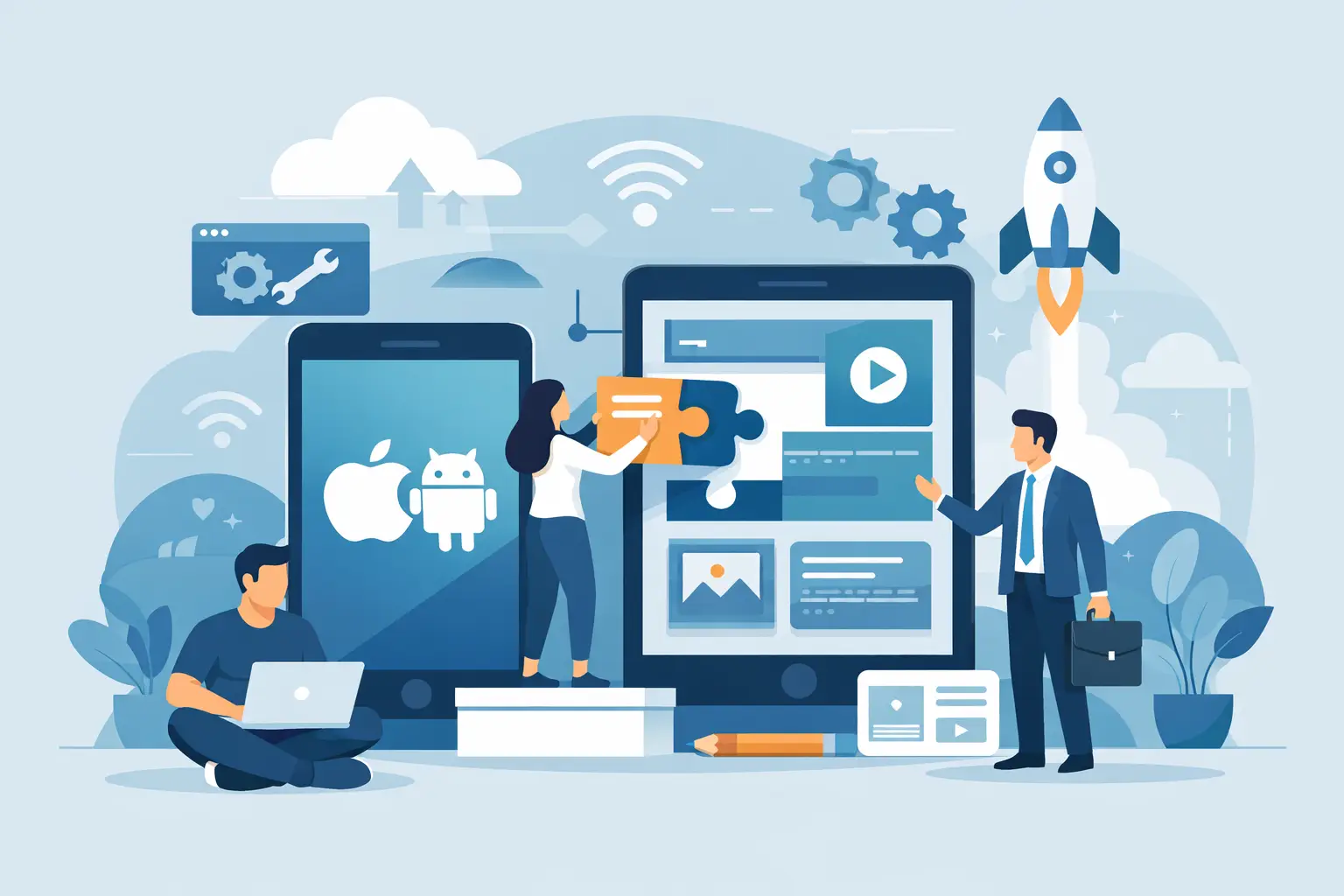
A field team needs to update job status from a customer site. A nonprofit needs volunteers to register for events without calling the office. A growing retailer wants customers to browse products, earn rewards, and receive order updates. In each case, the real question is not simply how to build hybrid app software. It is how to deliver a useful mobile experience without creating two costly projects, one for iPhone and one for Android.
A hybrid app can be a sensible answer when it is chosen for the right reasons. It lets a business use one primary codebase across mobile platforms while still accessing core phone features such as cameras, notifications, location services, and secure sign-in. That can shorten development time and simplify future maintenance. It does not eliminate the need for careful planning, quality assurance, or a dependable backend. It changes where the work happens.
Start With the Business Problem, Not the Framework
The strongest apps begin with a narrow, measurable purpose. Before discussing screens or technology, define who will use the app, what they need to accomplish, and what currently gets in their way.
For example, an operations app may need to reduce paperwork and give managers faster visibility into completed work. A member app may need to make account access, event registration, and donation history easier to find. Those are clear goals. “We need an app because competitors have one” is not.
Set priorities around the first version. Most organizations do not need every idea built at launch. Focus on the workflows that create the most value, such as account access, scheduling, order tracking, forms, content delivery, or staff communication. This keeps the initial budget under control and gives users a product they can understand quickly.
A practical discovery process should also identify the systems the app must connect to. That could include a CRM, e-commerce platform, payment processor, scheduling tool, member database, ERP, or custom internal software. A polished app that forces staff to re-enter information manually will create new problems instead of solving existing ones.
Choose Hybrid Development for the Right Reasons
Hybrid development is often described as one app that works on iOS and Android. That is true, but the business case deserves more detail. Modern hybrid frameworks such as React Native, Flutter, and Ionic can share a substantial amount of code while producing platform-ready applications. The best choice depends on the app’s requirements and the skills of the development team.
Hybrid apps are usually a strong fit when the product includes standard business workflows, account management, data forms, dashboards, content, commerce, booking, notifications, and API integrations. They are also useful when an organization needs to reach both major mobile platforms on a realistic budget.
There are trade-offs. A highly specialized app with advanced 3D graphics, intensive video processing, highly complex animations, or deep dependence on new device-specific features may benefit from native iOS and Android development. Hybrid technology has advanced significantly, but “one codebase” should not be treated as a promise that every feature costs half as much or works exactly the same everywhere.
The decision should be based on user needs, performance expectations, integrations, security requirements, and long-term maintenance. A capable development partner will explain where hybrid is efficient and where a native approach may be the better investment.
How to Build a Hybrid App Step by Step
Map the user journeys
Start by documenting the actions users take from beginning to end. If a customer is booking a service, map the path from selecting a service through confirmation and reminders. If an employee is submitting an inspection, map photo capture, required fields, offline behavior, approval, and reporting.
This work reveals gaps early. It also prevents teams from designing individual screens without considering how information moves through the entire process. Clear user journeys become the foundation for scope, interface design, API requirements, and testing.
Design for small screens and real conditions
Mobile users are often standing in a lobby, traveling between appointments, or checking information with one hand. They do not have the patience for dense menus, long forms, or instructions that require a training manual.
Keep navigation focused. Put common tasks within easy reach. Use clear labels instead of clever wording, and make error messages useful. If users need to upload photos, scan documents, use location data, or complete work without reliable service, design for those conditions from the start.
A clean interface is not just about appearance. It reduces support requests, improves completion rates, and helps the app feel dependable. Accessibility should be part of the design process as well, including readable text, logical contrast, touch targets, and support for assistive technology.
Build the backend and integrations early
The mobile interface is only one layer of the solution. Most business apps rely on an API and backend services to handle user accounts, records, permissions, notifications, reporting, and integrations with existing platforms.
Decide which system is the source of truth for each type of data. For instance, customer information may remain in a CRM while product data stays in an e-commerce system. The app should retrieve and update data through reliable, documented connections rather than creating disconnected copies.
Authentication and permissions require particular attention. An employee should not see the same information as a customer, and an administrator may need additional controls. Use secure sign-in methods, protect data in transit and at rest, and limit access according to each user’s role.
Develop in workable increments
A hybrid app project is easier to manage when it is divided into small, testable stages. Start with the highest-value features, review working versions regularly, and make decisions while changes are still affordable.
This approach provides better visibility than waiting months for a final reveal. It also helps business stakeholders confirm that the app supports actual workflows, not just the original assumptions. A project manager should keep scope, timing, decisions, and risks visible throughout development.
Avoid adding features casually during the build. New ideas are common, but each one affects design, development, testing, and launch timing. Record them for a later release unless they are essential to the app’s core purpose.
Test across devices, users, and scenarios
Testing a hybrid app means more than confirming that buttons work on a developer’s phone. Test on representative iOS and Android devices, screen sizes, operating system versions, and network conditions. Confirm that notifications arrive correctly, forms preserve information, integrations handle errors, and users can recover from interrupted tasks.
Include real users where possible. Staff members, customers, volunteers, or members will often spot unclear language and missing steps that a technical team cannot see from the inside. Their feedback is especially valuable before the app is submitted to app stores.
Plan for Launch and Ongoing Support
App store submission is a process, not a finish line. Both Apple and Google have requirements for privacy disclosures, account handling, permissions, screenshots, content ratings, and policy compliance. Build time into the schedule for review questions or needed revisions.
Prepare operational support before launch. Decide who responds to user questions, who monitors technical issues, and how updates will be approved. Track basic measurements such as registrations, active users, feature use, form completion, and support requests. These numbers show whether the app is delivering the outcome it was built to achieve.
A maintenance plan should cover operating system updates, framework updates, security patches, API changes, and future feature releases. Mobile platforms change regularly. Ongoing support protects the investment and keeps a useful app from becoming difficult to maintain after a year or two.
Keep the First Release Focused
The most effective first release is rarely the most feature-packed one. It is the version that handles an important job reliably, connects cleanly to the business systems behind it, and gives users a reason to return.
For organizations that need guidance from discovery through post-launch support, codepxl approaches hybrid app development as part of the larger digital system, not as an isolated mobile project. That perspective matters when the app must work alongside a website, CRM, online store, or internal workflow.
Start with the process your users need to complete most often. Build that process well, measure how it performs, and use what you learn to make the next release more valuable.